
How to Check Open Ports on Your Own Domain (Safely and Legally)
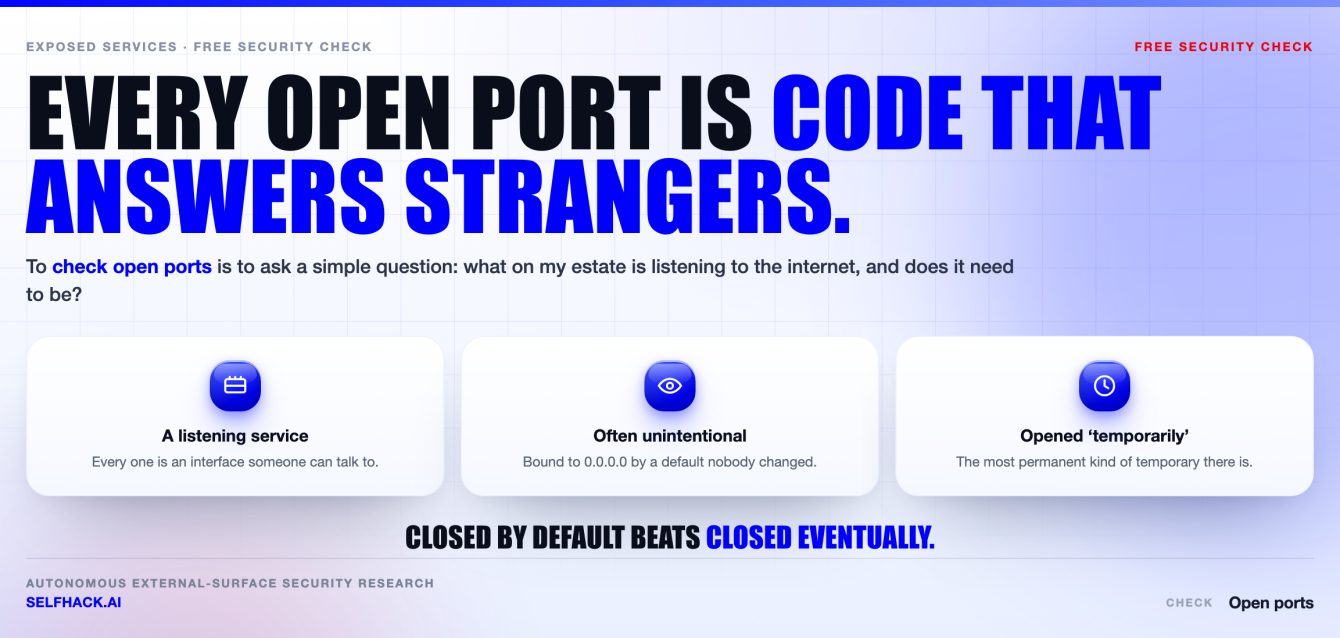
- A port is open when two things are true at once: a process is listening, and the network lets a stranger’s packet reach it. Every listening service is code an attacker can talk to. That is why you check open ports at all.
- Only check open ports on systems you own or have written authorisation to test. Unauthorised scanning can be unlawful in many jurisdictions. Curiosity is not a defence.
- You can check open ports passively first: published internet-wide scan data about your own addresses, your DNS and certificate records, your cloud firewall console, your load balancer config.
- On your own estate,
ss -tulpnshows what is listening andnmap -sTfrom outside shows what is reachable. The gap between those two lists is where the findings are. - You check open ports to find the doors. Whether they open — what the service behind each one does under attack — is the real question.
A practical guide for asset owners. Not legal advice, and not guidance for testing systems that are not yours.
What an open port is, and why you should check open ports
Start with the mechanics, because most confusion here comes from skipping them. A port is a number attached to TCP or UDP that lets one machine address a specific service on another, rather than the machine as a whole.
A port is open when two separate facts line up. A process has bound a socket and is waiting for connections. And every firewall, security group, NAT rule and router in the path allows the packet through.
Miss either half and the port is not really open. That distinction matters more than anything else in this article.
A service listening on a host nobody can reach is usually fine. A firewall permitting traffic to a port where nothing listens is usually harmless. When both are true, you have a door, and the door is made of software.
Here’s the thing people underestimate. Every listening service accepts input from strangers, parses it, and makes decisions based on it. That code has an authentication model, a parser, a version, and a patch history. Some of it was written carefully. Some of it was a default that shipped enabled.
Ports are not the risk. Services are. An open port is just the address where the risk answers the phone. You check open ports to learn who answers, not to win a numbers game by making the list shorter.
Attackers work this in the reverse order you do. They enumerate what answers, fingerprint the version, look up what is known about it, and try the cheapest thing first: default credentials, an unauthenticated endpoint, a management interface that was never meant to face the internet.
None of that is sophisticated. It is inventory work, done by someone who is not on your payroll. When you check open ports on your own estate, you do that inventory first — with the advantage of also having the console, the config files, and the ability to fix what you find.
The legal line: only check open ports you own or are authorised to test
Settle this before you check open ports anywhere. Port scanning is not a neutral act in law. In many jurisdictions, sending unsolicited probes to a system you do not own or control falls under computer-misuse or unauthorised-access statutes, whether or not you changed anything.
The rule is short and has no interesting exceptions. Only check open ports on systems you own, or on systems whose owner has authorised you in writing. That is the whole boundary.
Nothing else counts as permission. Not a bug bounty page you skimmed. Not a verbal “sure” from someone who does not own the asset. Not the fact that the host answered.
Ownership is also less obvious than it looks, which is where well-intentioned people go wrong.
- Rented infrastructure. You own the workload on a cloud instance; the provider owns the network under it. Most major providers publish a policy for customer-run security testing. Read yours, because the contract binds you even where the law is quiet.
- Vendor-hosted subdomains. A CNAME pointing at a SaaS platform resolves to the vendor’s infrastructure. The hostname is yours. The machine is not.
- CDN and shared addresses. An IP behind a content delivery network is often shared with unrelated tenants you have no relationship with.
- The network you scan from. Corporate acceptable-use policies frequently restrict outbound scanning even when the destination is yours.
Testing on someone else’s behalf? Get a rules-of-engagement document first. It should name the exact hostnames and ranges in scope, the ones explicitly out of scope, the time window, the permitted intensity, a named authorising contact, and an escalation number for when something falls over.
That last point is not paperwork theatre. Scans do destabilise fragile devices — old printers, industrial controllers, embedded appliances with thin network stacks. Knowing who to call at 2am is part of doing this responsibly.
Two references worth keeping. The Nmap project maintains a frank chapter on the legal issues around port scanning, and NIST’s SP 800-115 treats written authorisation as a precondition for assessment work, not a formality.
Computer-misuse law varies sharply by country, so treat this as orientation rather than legal advice. Where there is doubt about who owns an asset, stop and ask.
Passive ways to check open ports without scanning
Now the useful part. You can check open ports without sending a single probe, and honestly this is where most people should begin. Passive methods are legally uncomplicated, fast, and sometimes more accurate than a scan — because several read the authoritative config instead of inferring it.
Published internet-wide scan data. Several research services continuously scan the public internet and publish what they saw, indexed by address and hostname. Looking up your own addresses there is reading a published record, not scanning. It is the fastest way to check open ports as the internet already sees them.
Treat it as a lead, not a ledger. The data is a snapshot from whenever their scanner last passed, it goes stale in both directions, and a shared address will list services that are not yours.
Your own DNS. A and AAAA records give you the hosts that exist. MX records point at mail infrastructure. SRV records literally encode a service and a port number. CNAMEs tell you which names are delegated to third parties — which is exactly the set you must not scan.
Certificate transparency logs. Every publicly trusted TLS certificate for your domain lands in searchable public logs. This is how forgotten hostnames surface: the staging environment from two years ago, an admin interface someone gave a real certificate, a subdomain from a dead project that still resolves.
A certificate does not prove a port is open. It proves a name existed and something once wanted TLS on it. That is a strong hint about where to look next.
Your cloud provider’s console — the authoritative source. A scan infers reachability from outside; the console states it. Security groups and network ACLs in AWS, network security groups in Azure, VPC firewall rules in Google Cloud. These are the rules that decide whether a packet arrives.
Read them hunting one pattern above all: a source of 0.0.0.0/0 or ::/0 on anything that is not a deliberate public service. Most providers also expose an effective-rules view and a reachability analyser, which answer in seconds what a scan spends an hour guessing at.
Load balancers and ingress. Listeners on an application or network load balancer are the front door for most modern estates. Check which ports have listeners and what they forward to. In Kubernetes, a Service of type NodePort quietly opens a high port on every node in the cluster.
Your infrastructure-as-code repository. If the environment is defined in Terraform or CloudFormation, exposure decisions are text in git. Grep for wide CIDR blocks and public IP assignments. You get history free: who opened it, when, and what the pull request claimed the reason was.
Between DNS, certificate logs, cloud rules, ingress config and your own repo, you can usually check open ports across your whole external footprint before touching a scanner. Our free security checks hub approaches the same passive-first idea from a few other angles.
Active ways to check open ports on your own estate
Passive methods tell you what should be reachable. Active checks tell you what is. Run them only against assets covered by the ownership rule above.
Two vantage points matter when you check open ports actively, and you need both. They answer different questions.
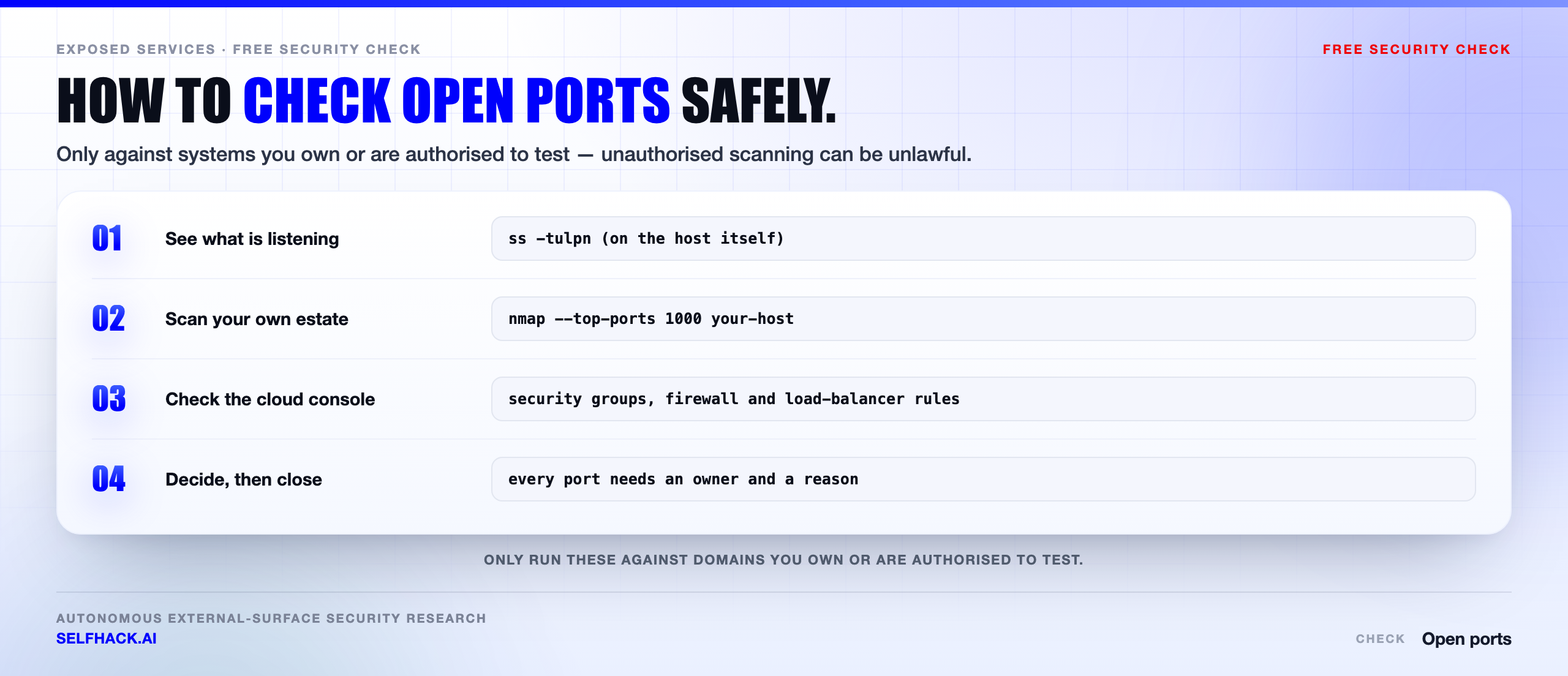
On the host itself. This tells you what is listening, which no external scan can establish with certainty. On modern Linux the command is short.
ss -tulpn
That reads as: TCP sockets, UDP sockets, listening only, with the owning process, without resolving names. The output has a Local Address column, and that column is the entire reason to run it.
127.0.0.1:5432— loopback only. Nothing outside the machine reaches it. This is what a database on an app server should look like.0.0.0.0:5432— every IPv4 interface the host has. Whether the internet reaches it now depends entirely on your firewall.[::]:5432— the IPv6 equivalent, and the one people forget. A v4-only firewall in front of this is not a firewall.10.0.1.7:5432— bound to one interface. Deliberate, and usually a sign somebody thought about it.
On Windows, netstat -ano plus Get-NetTCPConnection -State Listen gives the same picture with process IDs to map back to services. On macOS and BSD, lsof -i -P -n does the job.
From outside. This tells you what is reachable, which is the number that matters to an attacker. The standard way to check open ports externally is Nmap, and the first command is unremarkable on purpose.
nmap -sT yourdomain.example
The -sT flag is a full TCP connect scan. It completes an ordinary three-way handshake, needs no special privileges, and looks like a normal client. By default Nmap checks its top 1,000 ports rather than all 65,535, which is the right trade for a first pass.
A few variations cover most real needs.
nmap --top-ports 100 yourhost— a quick sanity check for the obvious ones.nmap -p- yourhost— all 65,535 TCP ports. Slow, but this is where the odd management service on port 47001 finally appears.nmap -sV -p 22,80,443 yourhost— version detection, so you learn which software and build is answering.nmap -sU --top-ports 50 yourhost— UDP. Needs root and is genuinely slow, but it is the only way to see DNS, SNMP, NTP and IPMI properly.nmap -6 yourhost— the IPv6 scan. Dual-stack hosts with v4-only firewall rules are among the most common gaps there is.nmap -Pn yourhost— skip host discovery when ICMP is filtered and Nmap wrongly decides the host is down.
For one quick question you do not need Nmap. nc -vz yourhost 5432 tells you whether a single port accepts a connection, which is often all you wanted.
Nmap’s documentation on port scanning techniques is worth reading once properly, rather than collecting flags from forum posts.
Reading the results without fooling yourself
A scan result is evidence, not truth. Three things ruin more attempts to check open ports than any tooling mistake does.
Where you scanned from decides what you saw. Scanning production from a laptop on the office network tells you what the office can reach. That is not the internet’s view. If your firewall allowlists corporate ranges, the office scan shows ports the public cannot touch, and you file a false alarm.
So run external checks from somewhere genuinely external — a cheap instance in an unrelated network, outside your own perimeter.
Open, closed and filtered are three states. Open means something accepted the connection. Closed means the host actively refused, so it is alive and nothing is listening there. Filtered means no useful reply came back, usually because a firewall dropped the packet silently.
Filtered is not the same as safe. It only means you learned nothing from where you stood.
Reconcile the two lists. This is the step that produces real findings. Put what ss -tulpn reported beside what the external scan found, then read the difference in both directions.
- Listening but not reachable — usually correct. Confirm a firewall is the reason, not luck.
- Reachable and listening — the real exposure. Each one needs an owner and a reason.
- Reachable with nothing listening — a firewall rule that outlived its service. Delete it.
- Listening on a port nobody can name — investigate before closing it. Something put it there.
What turns up when you check open ports honestly
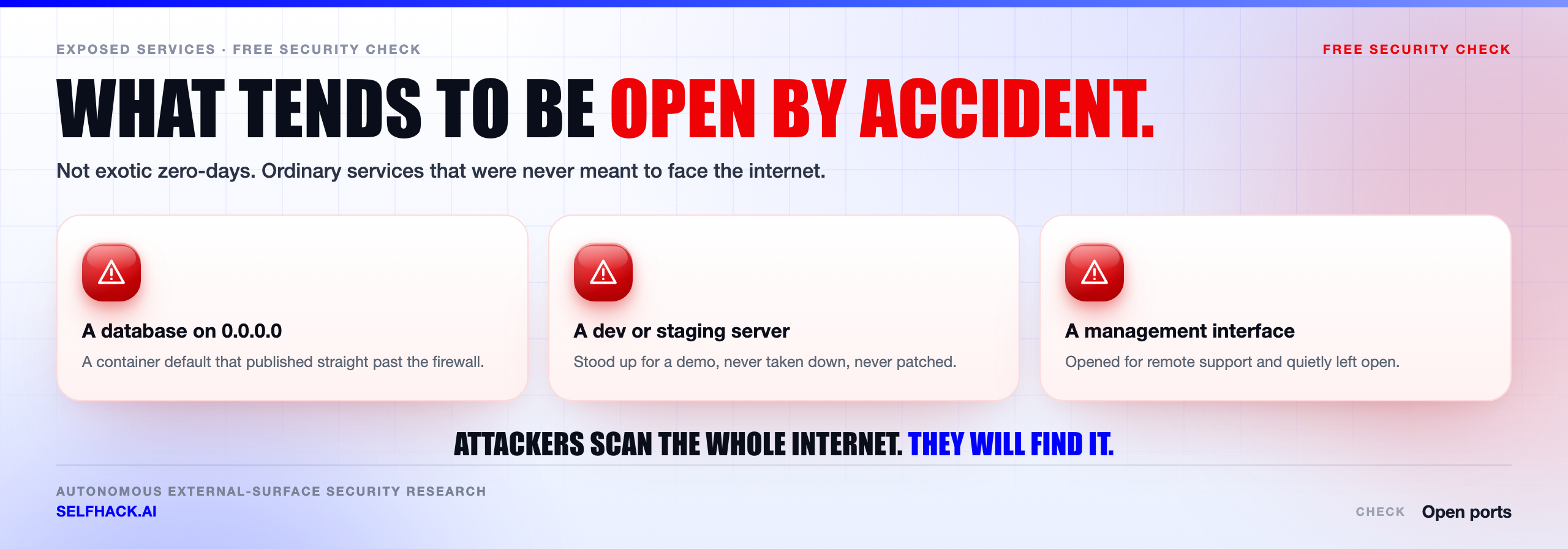
Almost nobody decides to expose a database to the internet. It happens because a default was permissive, a temporary rule stayed, or two safe-looking settings combined badly. Check open ports across a few estates and the same patterns keep showing up.
Database ports on a public interface. PostgreSQL on 5432, MySQL on 3306, MongoDB on 27017, Redis on 6379, Elasticsearch on 9200, memcached on 11211, SQL Server on 1433. Several of these historically shipped with weak or absent authentication, and some still bind broadly unless told otherwise.
Admin panels and dashboards. Jenkins, Grafana, Kibana, RabbitMQ’s management UI, Portainer, phpMyAdmin, and every internal tool on 8080 or 8443. Built for convenience on a trusted network, and frequently the softest thing on a perimeter.
Development servers bound to every interface. Frameworks bind to 0.0.0.0 so you can reach them from another device. Helpful on a laptop. Dangerous on a cloud host with a public IP, where debug endpoints and verbose errors come along for the ride.
Container ports published to the world. This one surprises careful people. Publishing with -p 5432:5432 binds to all interfaces, not loopback. Worse, Docker writes packet-filter rules directly, so a host firewall rule you added by hand may not sit in front of it as you assumed. Use -p 127.0.0.1:5432:5432, then verify from outside.
Management interfaces facing the internet. SSH on 22 and RDP on 3389 are the obvious pair. The less obvious ones do more damage: WinRM on 5985, VNC on 5900, SNMP on 161 with a default community string, IPMI on 623, the Docker API on 2375, the Kubernetes API on 6443, kubelet on 10250, etcd on 2379.
The temporary rule. Somebody opened a port at midnight during an incident to get a debugger through and promised to close it in the morning. Every estate has one. This is the strongest argument for checking on a schedule rather than after a change.
Legacy protocols nobody chose. Telnet on 23, FTP on 21, rsync on 873, NFS on 2049, SMB on 445. They arrive with an old appliance or a migrated image and keep running because nothing broke.
Look at that list again. Not one is an exploit. Every one is a default, an assumption, or a forgotten decision — which is exactly why they survive audits and only appear when you check open ports from the outside.
How to decide whether a port should be open at all
Once you check open ports and reconcile the two lists, the work becomes a decision per service. Four questions resolve nearly every case.
Who genuinely needs to reach this? The honest answer is usually narrower than the current rule. The whole internet, one partner’s address range, your own VPC, or nothing outside the machine. Most services reachable from everywhere only need one of the last two.
Does it authenticate before doing anything interesting? A service that parses attacker-controlled input before checking credentials has an attack surface regardless of password policy. Ask where the authentication check actually sits in the request path.
Is the traffic encrypted? Plaintext protocols on a public interface leak credentials to anyone on the path. If the answer is no and the port stays open, somebody should be making that decision consciously.
Who owns it, and are they patching it? A reachable service with no named owner is the one still running a vulnerable version in eighteen months. Ownership is a security control.
Default to closed. A service should bind to 127.0.0.1 unless something specific requires otherwise, and a firewall rule should exist because somebody asked for it — not because it came with the image.
When something does need remote access, there is usually a better answer than a public port.
- A VPN or WireGuard tunnel for anything administrative. One authenticated entry point beats a dozen exposed management ports.
- Private connectivity — VPC peering, private endpoints, service meshes — so the traffic never touches the public internet.
- An identity-aware proxy in front of internal web tools, putting the dashboard behind your identity provider instead of its own login form.
- Source allowlisting where a partner integration truly needs inbound access from known addresses.
- A reverse proxy that terminates TLS, applies rate limits, and forwards to a service still bound to loopback.
If a port must stay public — a web server, an API, a mail exchanger — accept that and defend it. Rate limit it, monitor it, patch it on a known cadence, and put multi-factor authentication in front of anything human-facing.
NIST’s guidelines on firewalls and firewall policy help turn these rules into written policy rather than folklore, and the OWASP Web Security Testing Guide covers how to test the services once they are exposed.
Check open ports on a schedule, not once
A scan is a photograph. Your estate is a film. Deployments ship, autoscaling groups replace instances, someone adds a subdomain for a new SaaS tool, an incident opens a rule at 3am. The list you built last quarter describes an environment that no longer exists.
So keep a record, and keep it boring. For every reachable service, write down six fields.
- Address and port — hostname, IP, protocol, port number.
- Service and version — what is actually answering, not what should be.
- Owner — a named team or person, not a department.
- Reason — one sentence on why the internet needs to reach this.
- Access control — what stands between a stranger and the service.
- Expiry — for anything temporary, the date it goes away. Temporary rules without an expiry are permanent rules with better intentions.
Then automate the re-check. Check open ports on your own ranges from outside on a schedule, export the cloud firewall rules alongside it, and diff between runs. The list is not the product. The change is the product.
What you want is an alert saying a port appeared that was not there yesterday, on a host nobody flagged, with no owner attached. That signal catches the temporary rule, the container redeployed without its loopback binding, and the environment somebody stood up outside the normal process.
Push the check left as well. Where exposure lives in infrastructure-as-code, a wide CIDR block is a reviewable line in a pull request. Catching it there costs a comment. Catching it in a scan costs an incident.
This is also where checking one domain stops being enough. Most organisations have more external footprint than they think — acquired domains, marketing microsites, forgotten staging environments, an undocumented partner integration. Mapping all of it is what external attack surface testing exists to do.
An open port is a question, not an answer
Here is where a lot of security work quietly stalls. A team runs a scan, produces a list, closes the obviously wrong entries, and files the rest as accepted risk. That is useful. It is also half the job.
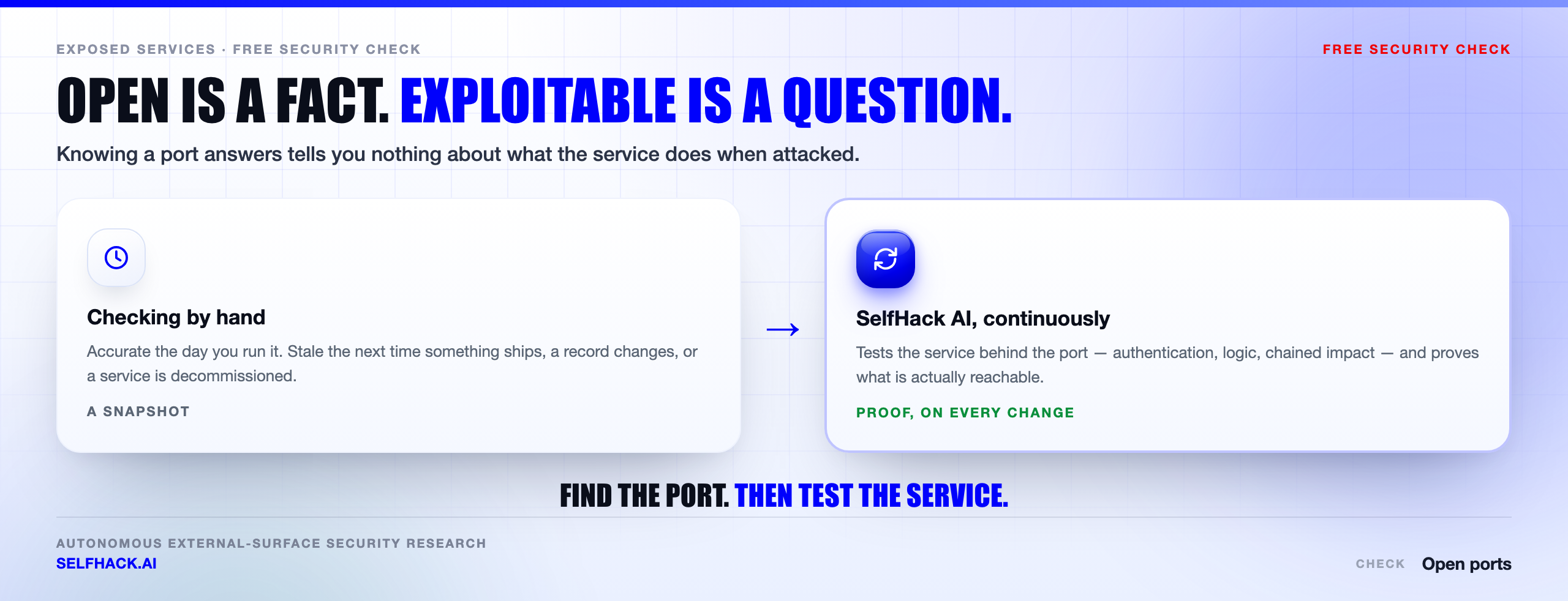
A port list tells you a door exists. It does not tell you whether the door opens.
The interesting questions live one layer deeper. Does that admin panel take default credentials? Is the API on 443 exposing an endpoint that skips the authorisation check? Is the version answering on 22 the one with a known exploit, or a patched build with a misleading banner? If someone lands on that service, what else can they reach?
The truth is that exploitability, not exposure, decides your actual risk. Two organisations can check open ports and get identical lists while sitting in completely different positions — one has an unauthenticated management interface behind 8080, the other has a hardened reverse proxy.
Answering that reliably means testing each service the way an attacker meets it, and doing it again whenever anything changes. That is the part humans cannot keep pace with by hand. Not because it is hard, but because estates move faster than a quarterly test cycle.
This is what SelfHack AI is built for. It maps what is actually reachable, tests the services behind those ports the way an adversary would, chains what it confirms into a real impact story, and repeats continuously. The output is not a longer port list. It is proof of what is exploitable and what is noise.
The same question reaches well past web servers. A connected vehicle with a telematics unit listening on a mobile network is the same shape of problem, with worse physical consequences when the answer is wrong.
If you can check open ports and still not know which of them a competent attacker would use, that is the gap worth closing. Talk to our team and we will show you what continuous testing surfaces on the footprint you already have.
What to look at once you know which ports are open
An open port is a question, not an answer. The answer is what the service behind it does, and how well it is configured.
For anything answering on 443, run an SSL/TLS check and a security headers check — those two cover most of what a web listener gets wrong. And before you trust the scope at all, find subdomains, because you can only check open ports on hosts you know about, and the hosts you forgot are the ones nobody is patching.
Finish with subdomain takeover. The full sequence lives in our free security checks guide.
FAQ
Is it legal to check open ports on my own domain?
Scanning infrastructure you own and control is normally fine. The complications are ownership and origin. Confirm the hostname resolves to a machine you control rather than a vendor or CDN, check your provider’s policy on customer-run testing, and make sure the network you scan from permits it. Laws differ by country, so this is orientation, not legal advice.
What is the difference between a port being open, closed and filtered?
Open means a service accepted the connection. Closed means the host actively refused, so it is reachable and alive but nothing is bound there. Filtered means no useful response came back, typically because a firewall dropped the packet without replying. Filtered is not proof of safety — it only says your particular vantage point learned nothing.
Can I check open ports without running a scanner at all?
Yes, and for a first pass it is often better. Your cloud provider’s firewall console states which paths are permitted, which beats inferring it from outside. Add your load balancer listeners, your DNS records, certificate transparency logs for forgotten hostnames, and published internet-wide scan data about your own addresses. That combination usually reconstructs your exposure before you touch a scanner.
Which open ports should I worry about most?
Anything designed for a trusted network that ended up on a public one. In practice: database ports, management and administrative interfaces, container and orchestration APIs, and internal dashboards. Severity comes from what the service does rather than the number. A well-configured web server on 443 is fine; an unauthenticated dashboard on an arbitrary high port is not.
How often should I check open ports?
Often enough that a change gets noticed while somebody still remembers making it. For most teams that means an automated external check on a short cycle, an alert on any delta, and a review of firewall changes at pull-request time. An annual assessment describes one day, rarely the day you are running now.
The verdict: check open ports before someone else does
The technical part is not hard. ss -tulpn on the host, a plain nmap -sT from somewhere genuinely outside, your cloud firewall rules on screen beside both, and an afternoon reconciling the three. Most teams could do it this week.
The discipline around it is what makes it worth doing. Stay inside the authorisation line. Check open ports passively first, because it is free and safe. Reconcile listening against reachable, since the disagreement is where surprises live. Give every open port an owner and a reason, or close it.
Then do it again next month, because the estate moved.
And keep the last question in view. An open port is an address, not a verdict. What decides whether you have a problem is how the service behind it behaves when someone who is not you starts asking difficult questions — which is precisely what a port scan will never tell you.
If you would rather learn that on your own terms, start with our free security checks, or get in touch with our team and we will test what you have already exposed.
Sources & further reading: NIST SP 800-115, Technical Guide to Information Security Testing and Assessment; NIST SP 800-41 Rev. 1, Guidelines on Firewalls and Firewall Policy; the OWASP Web Security Testing Guide; and the Nmap reference guide on port scanning techniques and legal issues. General technical guidance for asset owners, not legal advice.